
Nagad88 Login App: One Account, Password or Fingerprint
The Nagad88 app login uses the same username and password as the website, so a player who already has an account signs in straight away and sees the same balance. In the Nagad88 login app you can type your password, sign in with Telegram or, on Android phones with a sensor, use your fingerprint. A forgotten password is reset with a one-time code sent by SMS to the +880 number on the account. The Nagad88 official app is the Android APK the brand publishes on its own website: it opens the mobile site in its own shell, so there is no separate app account to create.
After login, open the cashier and pick Play Safe in the Deposit Bonus list: 5% up to ৳100 on every deposit from ৳500, with x5 turnover.
One Nagad88 account for the app and the website
The app is a shell around the mobile version of the Nagad88 site. Everything tied to your profile is stored on the brand's side, not on the phone, so signing in through the app shows exactly what a browser would:
- the Main Wallet balance and any active bonus with its turnover progress;
- deposits and withdrawals in Transaction Records under Profile, History;
- your VIP level, from Bronze up to Black;
- the promotions you have already joined.
An app session and a desktop session open the same profile. Nagad88 rules allow one account per player, and duplicate accounts get locked. The app uses the account you already have.
How to log in to the app with username and password
Nagad88 has no email login. The sign-in form asks only for the username chosen at registration (6 to 13 characters) and the password. On Android the routine looks like this:
-
Open Nagad88 from the home screen or the app drawer.
-
Tap Login in the bottom bar of the screen. The form titled "Welcome to NG88" opens, since NG88 is the newer name of the same brand.
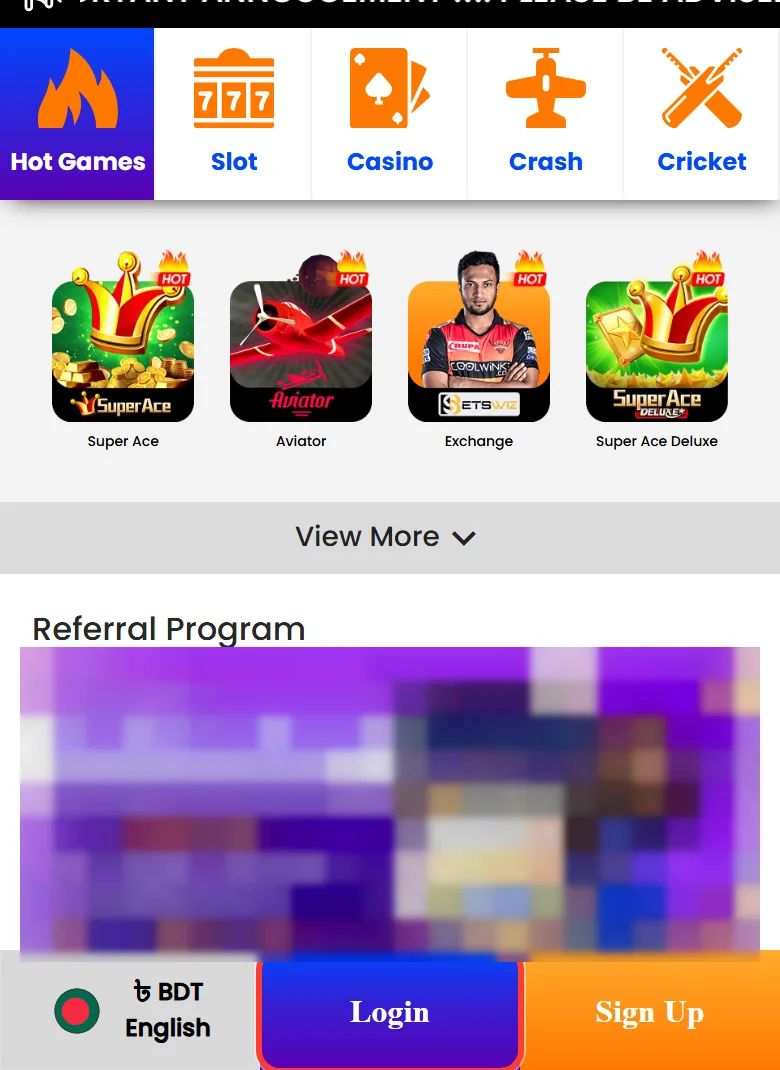
Login in the bottom bar -
Type your username in the Username field and check that the keyboard has not added an automatic capital letter or a space at the end.
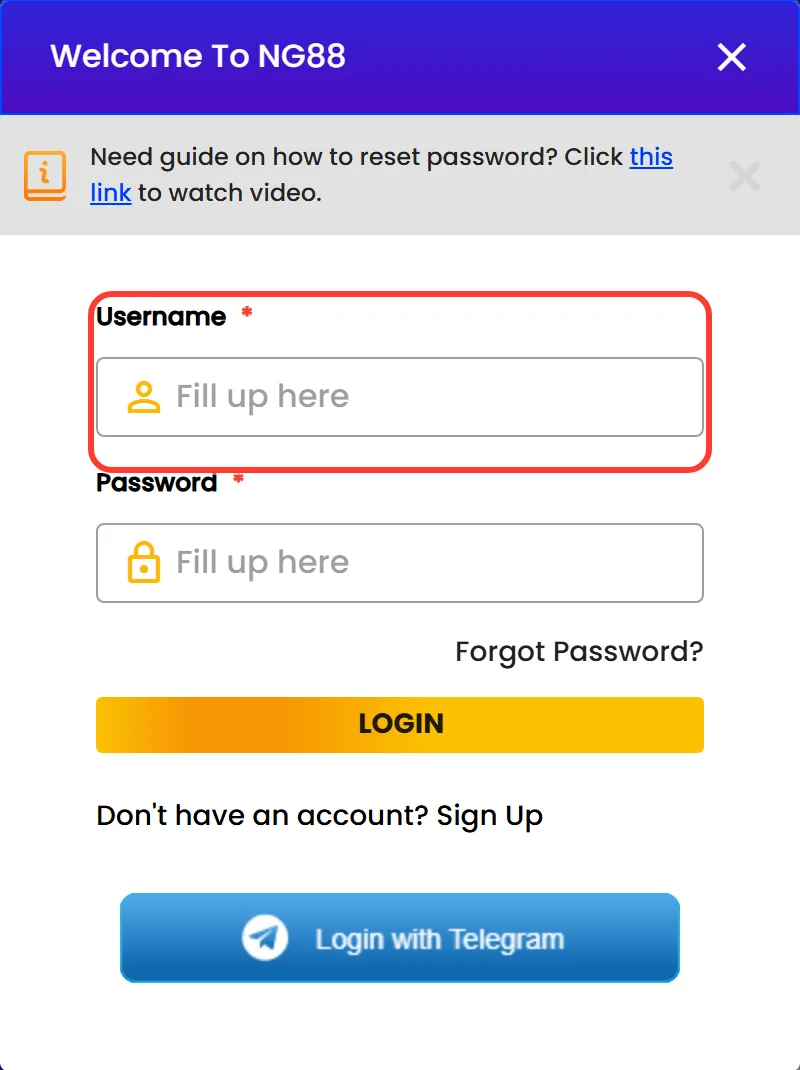
The Username field -
Enter the password and tap LOGIN.
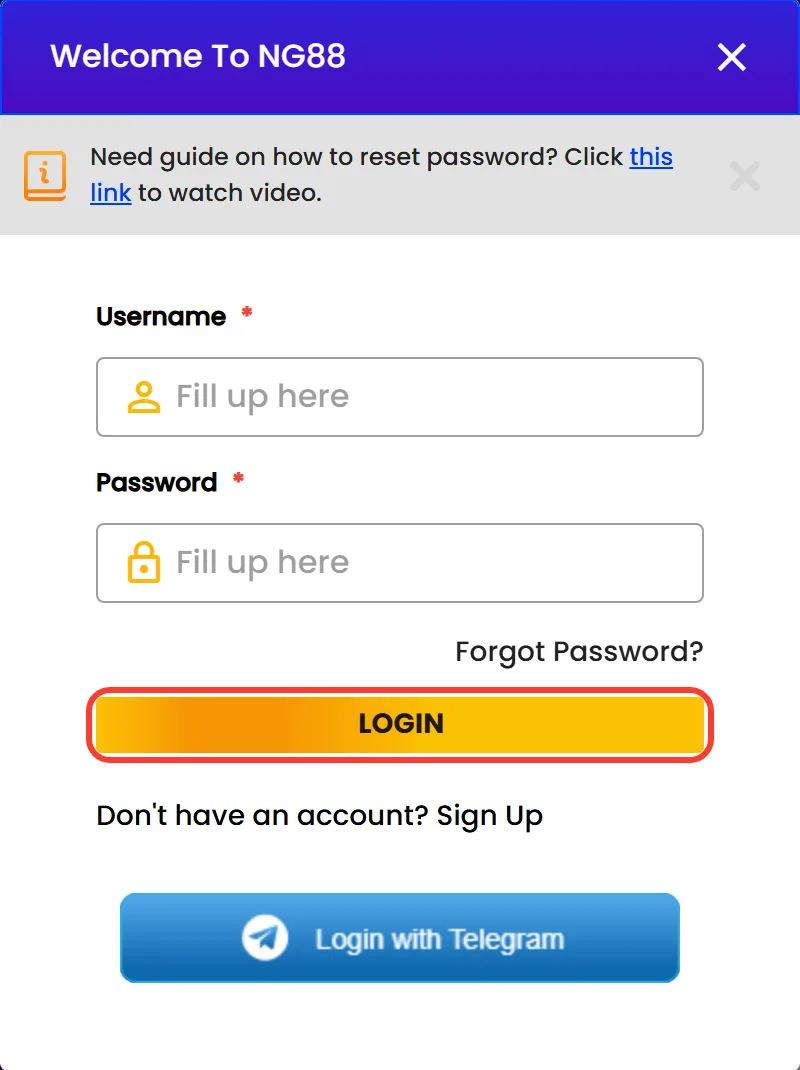
The LOGIN button -
Wait for the lobby to load with your balance in the header. If the form shows an error instead, the table of login problems below lists the usual causes.
The routine is the same on every Android phone, because the form itself comes from the website.
Fingerprint login on Android: what the APK adds
Fingerprint access is the one login feature the APK adds on top of the website. The app carries the biometric permissions (USE_BIOMETRIC and USE_FINGERPRINT), so it supports fingerprint or biometric login on phones with a sensor, and a touch on the sensor can replace typing the password.
Phones without a sensor, or with no fingerprint saved in Android settings, keep using the password. The browser version and the iPhone home screen icon have no fingerprint option at all. Anyone whose finger is registered on the phone can open the account, so skip this feature on a device shared with relatives.
Login with Telegram: a tap instead of a password
The sign-in form also has a Login with Telegram button, and the registration form offers a matching Register with Telegram option. It suits players who already use Telegram on the same phone and would rather not type a password. Google, Facebook and other social logins are not offered. If you created the account with a username and password, the simplest route is to keep signing in that way.
Forgot the app login password? Reset it by OTP on +880
The Nagad88 app login password is reset inside the same form, with a one-time code sent by SMS to the phone number saved on the account. Keep that SIM in the phone or close at hand:
-
On the sign-in form, tap Forgot Password? under the password field.
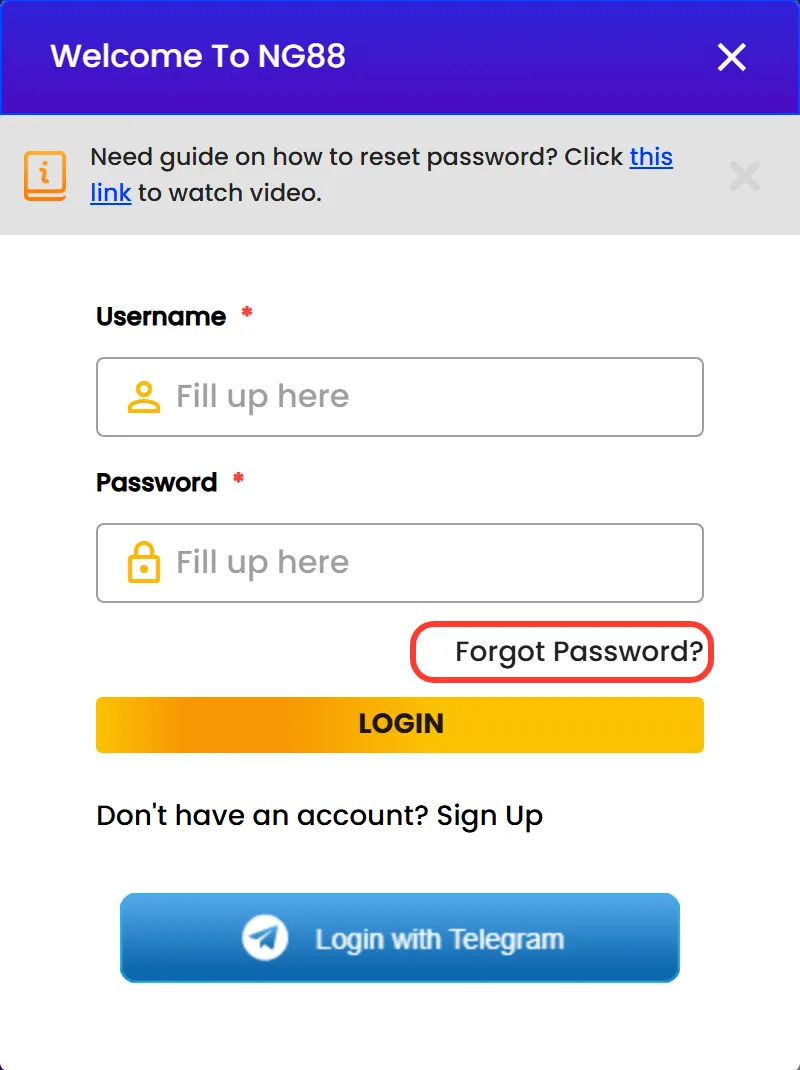
The Forgot Password? link -
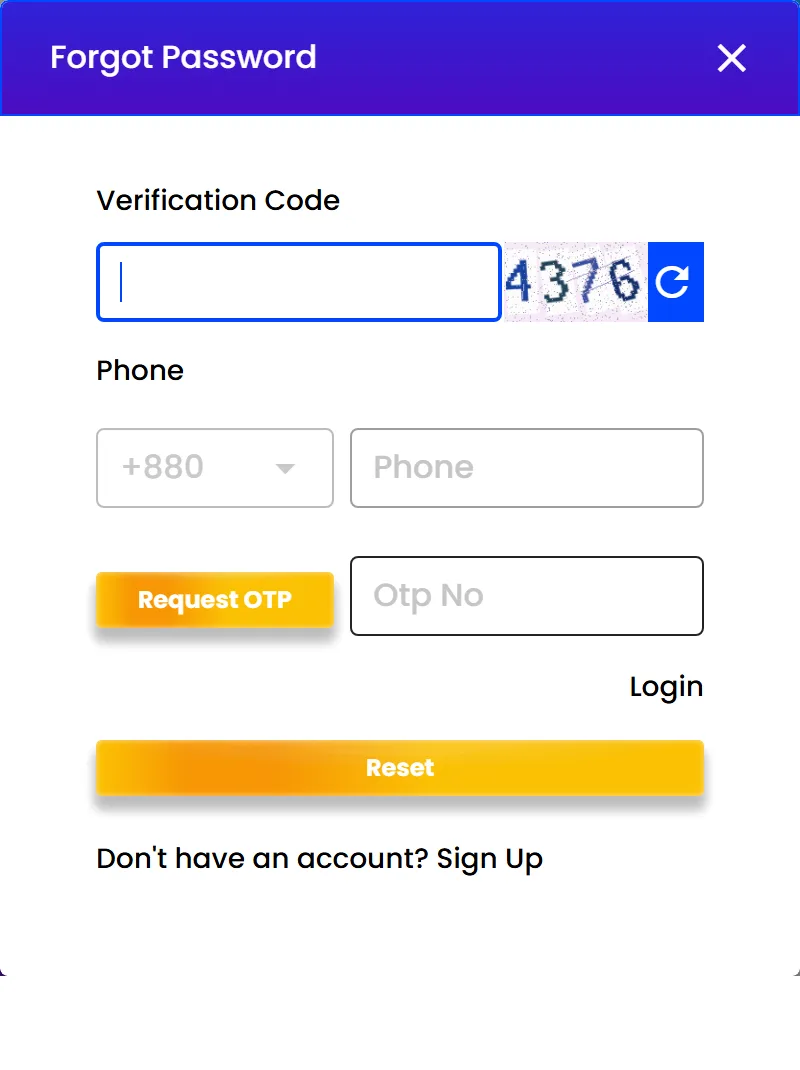
Type the digits shown in the picture into the Verification Code field.
Verification Code, phone, Request OTP, OTP No and Reset -
Enter the phone number after the +880 code, the same number you gave at registration.
-
Tap Request OTP, wait for the SMS and type the code from it into the OTP No field.
-
Tap Reset to complete the request. If something goes wrong, Live Chat helps.
The login form also links to the brand's short video guide on resetting a password. The password is shared by the app and the website, so there is nothing to update elsewhere.
Anyone on WhatsApp or Facebook asking for the code you have just received is not support, whatever name they use.
New player? Register inside the app in 2 steps
Without an account there is nothing to log in to, but the app does not send you anywhere else to create one. The "Don't have an account? Sign Up" line under the login form opens the same two-screen registration as the website. Players must be 18 or older. Once the app is on your phone, registration takes two screens:
-
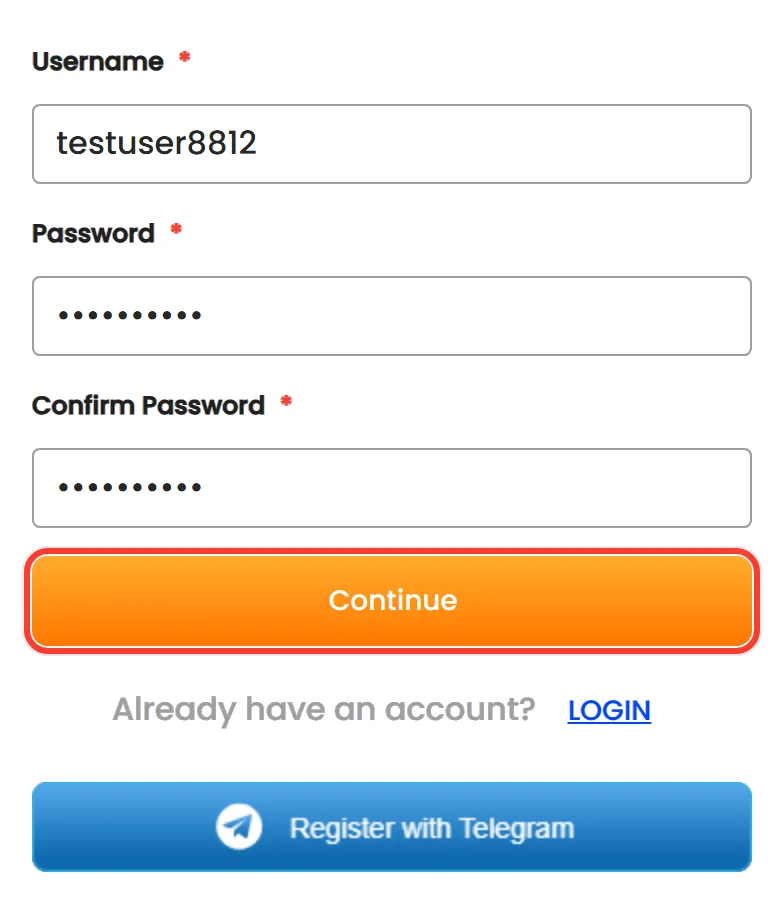
On the first screen, choose a username of 6 to 13 characters, type a password and repeat it in Confirm Password. Tap Continue.
Username, passwords and Continue -
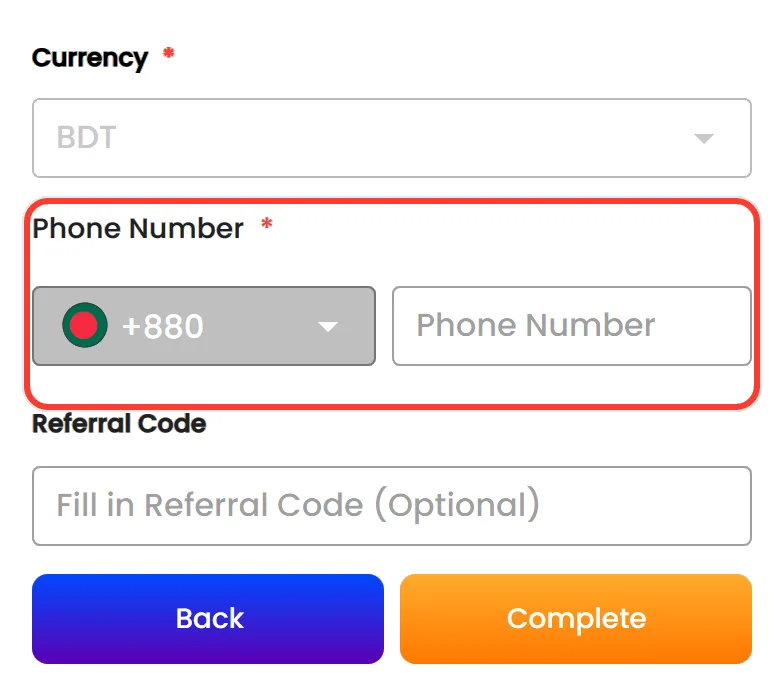
On the second screen, keep BDT as the currency, enter your mobile number after +880 and add a referral code if a friend gave you one. Tap Complete.
Currency BDT and the +880 phone number
Email is not requested at any point. The phone number matters more than it looks: reset codes arrive there, and the cashier asks you to verify it before the first withdrawal, so use a SIM you plan to keep. Register with Telegram is the alternative to typing a username and password, and the registration form links to a video walkthrough for anyone who prefers to watch first.
No app yet? Get it before the first login
A Nagad88 login download is the same Android file for everyone: there is no special login build. The Nagad88 APK download covers where the file comes from, how to allow the install and how to check its SHA-256. The current file is version 1.0, a free 6.5 MB file for Android 5.0 and newer, published on the brand's official site and not in Google Play. Once it is installed, open it and enter the details you already use on the website.
Signing in from an iPhone
Nagad88 has no native iOS app, and the download banner of the mobile site does not appear on iPhones. iPhone owners open the site in Safari and use Add to Home Screen, which places a Nagad88 icon that opens the site full screen, like an app. After that, the Nagad88 app login on iOS works with the same username, password, Telegram button and OTP reset as on Android. Only fingerprint login is missing.
Login problems and quick fixes
Most failed logins come down to a handful of causes. The table pairs the symptom with a fix. If nothing helps, the 24/7 Live Chat behind the CONTACT US button and the official Telegram channel t.me/nagad88official answer account questions, with a Bangla-speaking team.
| Problem | Likely cause | What to do |
|---|---|---|
| Username or password rejected | Typo, extra space, automatic capital or an old password | Retype slowly; if it still fails, reset the password by OTP |
| OTP SMS does not arrive | Number typed differently from registration | Enter the number after +880 exactly as on the account, then request the code again |
| Registered SIM is lost or replaced | Codes go only to the old number | Contact Live Chat or support@nagad88.com; do not open a new account |
| No fingerprint option | No fingerprint saved on the phone, or no sensor | Add a fingerprint in Android settings or log in with the password |
| Telegram login does not finish | The Telegram step was not completed | Use the username and password, or ask Live Chat |
| Account locked | Rule breach, such as a duplicate account | Write to Live Chat and explain; a second account makes it worse |
| Blank screen inside the app | No connection, as the app loads the live site | Switch between mobile data and Wi-Fi, then reinstall from the official link |
Get the APK only from the brand's own link. Pages that offer to restore a blocked account for a fee or a login through some other app are not part of Nagad88 and should never get your details.
First deposit after login: bKash, Nagad or USDT
Once you are signed in, the round Deposit button in the bottom bar opens the cashier with Deposit and Withdrawal tabs. Three methods are listed, each with its own limits:
| Method | Deposit | Withdrawal |
|---|---|---|
| Nagad | ৳300 to ৳30,000 | ৳500 to ৳30,000 |
| bKash | ৳500 to ৳30,000 | ৳500 to ৳30,000 |
| USDT (ERC20 or TRC20) | ৳500 to ৳50,000, entered in ৳ at the cashier's rate | deposits only |
To get the Welcome Bonus, choose it in the Deposit Bonus list before confirming the first payment. Before the first withdrawal, the cashier asks you to verify the phone number on the account through the Verify link.
Since 10 August, bKash is unavailable every day from 12AM to 1PM (GMT+6) for deposits and withdrawals, while Nagad keeps working with possible delays.
Nagad88 app login questions
Is there a separate Nagad88 VIP login for the app?
No. VIP is an account level from Bronze to Black that rises with deposits and turnover, not a different form. The Nagad88 VIP login app is the same sign-in, and the level shows in the profile once you are in. A VIP login download is the ordinary APK.
Can I log in to the Nagad88 app with my email?
No. Registration never asks for an email, so the account has no email login. Use the username and password, the Telegram button or, on Android phones with a sensor, your fingerprint.
Does logging in through the app give a bonus?
There is no app-only bonus. Offers such as the 30% Weekly Reload up to ৳30,000 or Friday Lucky Slot Day work the same after a login in the app or on the website, and they are chosen in the Deposit Bonus list when you top up.
I changed my phone number. How do I get the OTP now?
Reset codes go only to the number saved on the account, so a new SIM will not receive them. Contact Live Chat or write to support@nagad88.com and describe the situation. Under the brand's terms, support may ask for proof of age and identity before restoring access.
Is the app login connected to my Nagad wallet PIN?
No. Nagad88 is a separate brand from the Nagad mobile financial service, and its login has nothing to do with a wallet PIN. Never type a bKash or Nagad PIN into the login form: the wallets only appear as payment methods in the cashier.